With the Foundation AI/Clio integration, you can fully integrate your document intake, automatically match each document, email, and attachment to the correct matter, consistently categorize, organize, and save documents to your matter folders, identify urgent and time-sensitive documents, and extract critical data from incoming documents to automate downstream workflows.
Set up the Foundation AI Platform in Clio
Once you’ve established an account with Foundation AI, setting up the Clio integration is a simple process.
-
1
Visit Foundation AI here and fill out the Contact form. One of our Account Executives will reach out to you to set up a demonstration of the Foundation AI platform.
-
2
Following the demonstration, Foundation AI will initiate a project scope discussion and schedule one or two subsequent 30-minute calls to gather business requirements.
-
3
Foundation AI will prepare an SOW for the mutually agreed business requirements for signature.
-
4
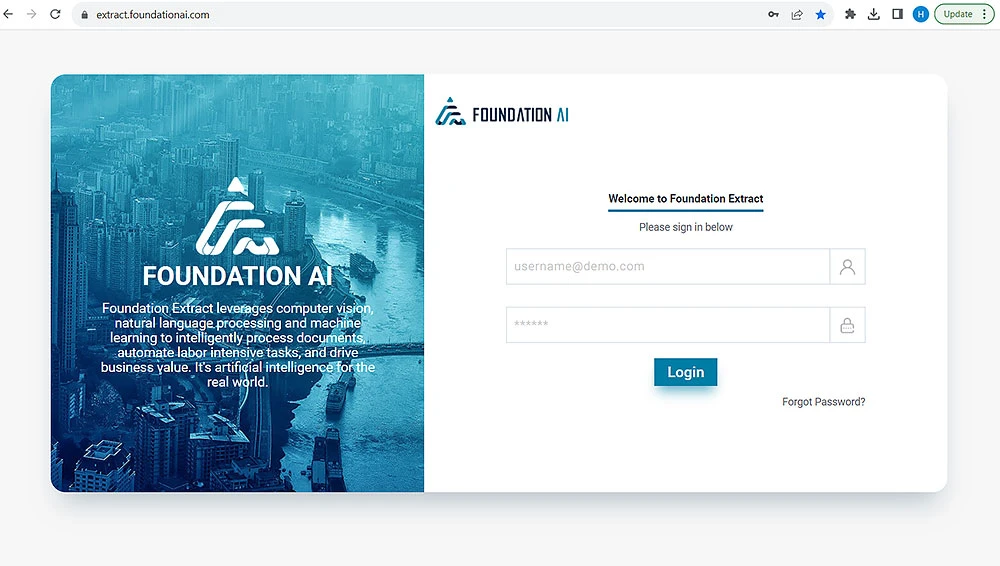
Once the SOW and contract have been executed, Foundation AI will set up an account in our Platform with your administrator’s Clio account email address.
-
5
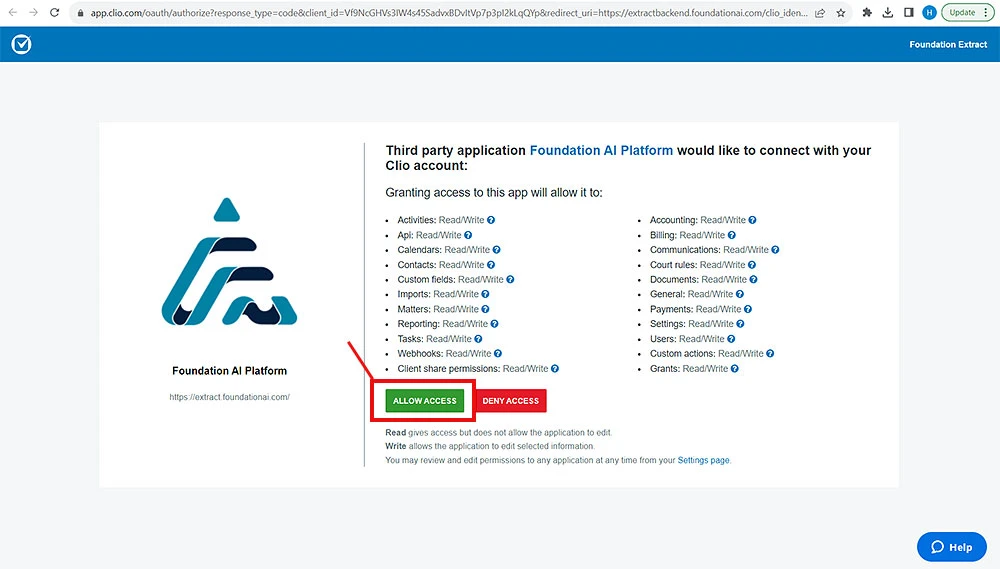
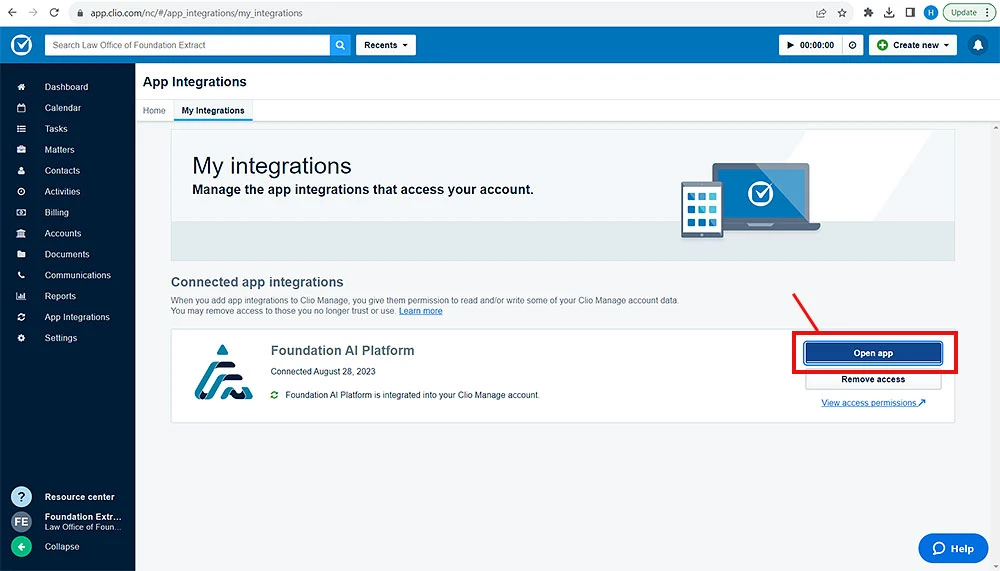
At this stage, you can integrate with Foundation AI from the Clio app portal with a single click on the Allow Access button.